
Law Firm Planning for Hurricane Season
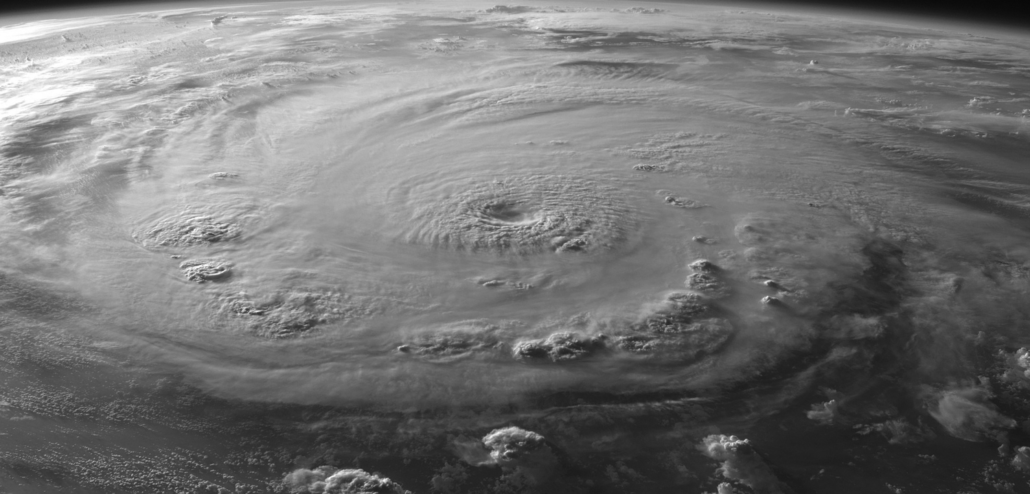
How should a law firm prepare for hurricane season?
Cloud computing changes how your firm can continue to work after an extended loss of power, a natural disaster, denied building access, or experiences other business interruptions.
‘Disaster Recovery & Business Continuity‘ planning enables your firm to weather the storm and get back to business as quickly as possible.
- How quickly can your law firm can get back to business after a disaster?
- Can you improve your firm’s security of important client files, minimize damage and get back to business?
- Does your firm have a plan for denied building access, extended loss of electric power and worst-case scenarios?
The answers depend on emergency planning done today.
When should you being preparing?
NOW!
The goal of business continuity planning
- Maintain access to; existing client files, case management databases, calendars and the ability to create new work product,
- Maintain time and billing and general accounting functionality, and
- Maintain telephone and email communication.
A comprehensive plan includes
- Office and staff preparation checklists,
- Failover systems in place and tested, and
- Hardware replacement and systems restoration checklists.
Preparation tips before a hurricane strikes
- Create an Emergency plan. Determine the critical components of your business and make contingency plans for every aspect.
- Confirm you are properly insured. Consider business interruption insurance that covers you even if your business doesn’t suffer physical damage, but loses income because of a disaster, such as closed roads or loss of power.
- Protect critical data; test backup systems and store the copies of digital and paper data off-site. Consider a fireproof safe for vital documents, software licenses, and media.
- Finding reliable technical support after a disaster hits our community may be difficult. Be confident the technical support people most familiar with your systems will provide reliable service before and after an emergency strikes.
When a hurricane warning is issued
- Confirm a recent full back up of the system, including the operating system and e-mail.
- LCC recommends off-site backup service providers, but if your firm still uses local media, make sure it is stored in a safe place. Duplicate media should be stored in multiple off-site locations.
- Confirm computer and printer hardware is plugged into an appropriate Uninterruptible Power Supply (U.P.S.). Properly shut down and turn off the server, computers, monitors and printers and unplug sensitive electronic equipment from the wall.
- Store computer equipment away from the windows and off the floor.
- Special precautions should be taken with network servers.
- Safety is the highest priority. Heed official evacuation warnings and find the safest location to ride out the storm.
What to do after a hurricane
- The electrical supply may be unstable and have unusual surges and flickers. LCC recommends U.P.S. equipment to protect sensitive hardware.
- Verify the system is completely dry before turning on any hardware.
Relevant web sites

Leave a Reply
Want to join the discussion?Feel free to contribute!